Guide · · 5 dk okuma
How to set up business email on your own domain
With MAILKODO Business, enter the domain verification, MX, SPF, DKIM and DMARC records in the right order for [email protected] addresses.
Yazıyı oku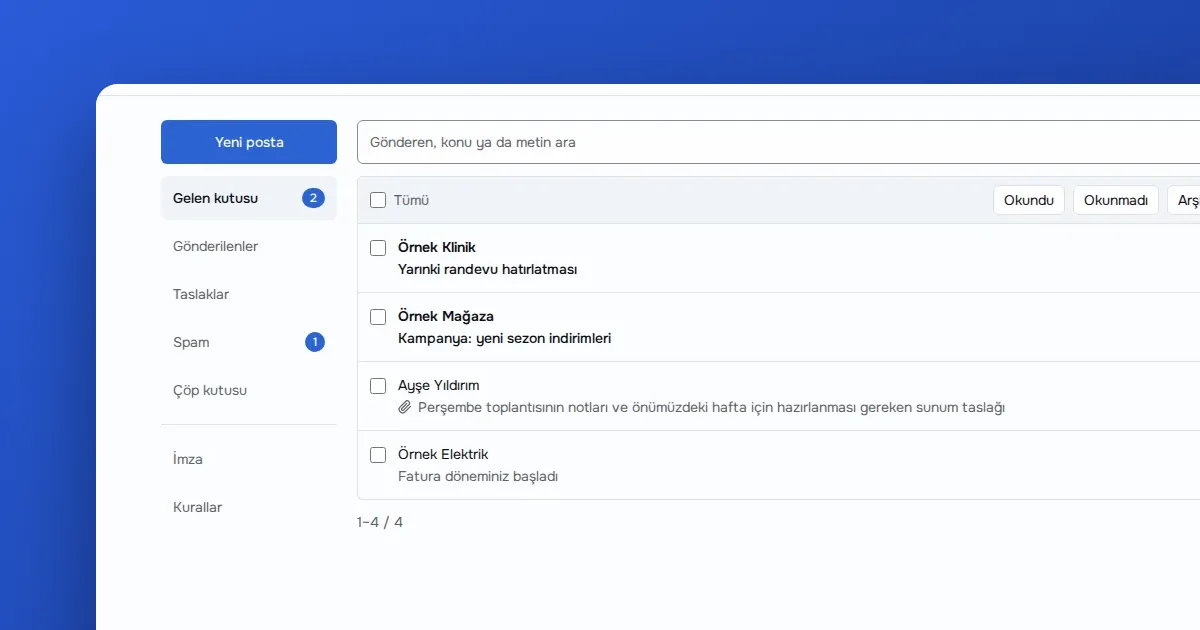
Yazar OVOKODO Ekibi · · 5 dk okuma
In short: Sign up on MAILKODO, pick a name of 3–32 characters and open your mailbox. It comes with a 1 GB quota; you can use it in webmail or add it to a mail app on your phone with IMAP (port 993) and SMTP (port 465). An address is issued once and cannot be changed later, so choose the name with care.
The address looks like [email protected]. The local part must be 3–32 characters long. Lowercase letters, digits, and dots, hyphens or underscores in between are allowed, and it must start and end with a letter or digit. Role addresses such as support or info, and brand names, are reserved: on a shared domain, handing those out would open a door to someone else's mail.
Two rules matter most:
So think for a minute before choosing a name you will use for work.
If you lose the password, you can generate a new one from the panel; the new one is also shown once.
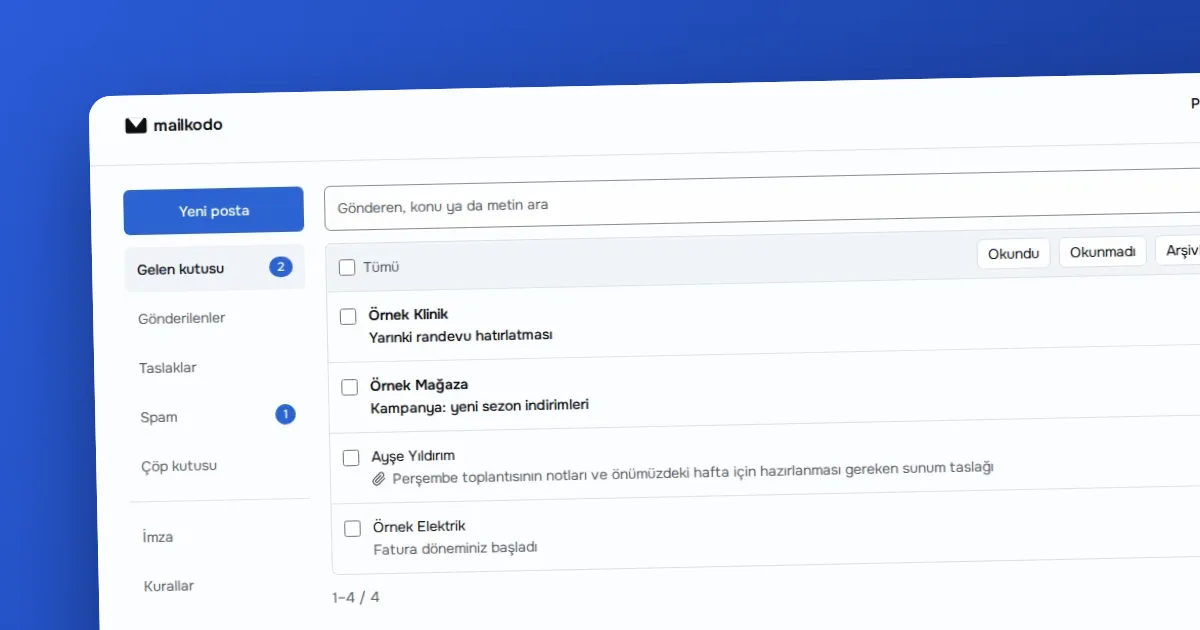
There are two ways. The first is MAILKODO's own mail screen: folders, search, attachments, reply, drafts, rich text, signature, Sieve filters and keyboard shortcuts are all there. The second is any app that supports IMAP and SMTP.
The mail screen follows one principle: mail is read, not stored. The body, header details and attachments are read from the mail server on every request, drawn on screen and that is where they end; MAILKODO's database has no table for mail.
In your mail app, choose manual setup under "add account" and enter:
| Setting | Value |
|---|---|
| Username | your full address ([email protected]) |
| Password | the password shown when the mailbox was opened |
| Incoming (IMAP) | the server name shown in the panel, port 993, SSL/TLS |
| Outgoing (SMTP) | the server name shown in the panel, port 465, SSL/TLS |
Copy the server names from the setup section of the panel; using the value on screen rather than typing it from memory avoids typos.
The reputation of a shared domain belongs to everyone, so sending has limits: 10 sends per minute, 200 messages per mailbox per day and at most 50 recipients per message. Attachments can be up to 15 MB. Executable attachments (exe, php, jar and similar) are rejected on outgoing mail, and double extensions such as invoice.pdf.exe are caught as well.
In mail, "delete" moves the message to the trash folder. Deleting the mailbox itself is real: it disappears from both the mail server and MAILKODO's records. You can also delete the account from the panel.
Three habits are enough. Keep the mailbox password only in a password manager. Turn on two-step verification (TOTP) for your account; if your phone changes, you have to set it up again on the new device. Finally, do not use the mailbox password on another service: because MAILKODO does not store your password, it cannot be recovered when forgotten, only a new one can be generated.
Any app that supports IMAP and SMTP: the built-in mail app on your phone, desktop clients such as Thunderbird, or the app of another mail service. Look for "other account" or "IMAP account" inside the app. Keep SSL/TLS selected as connection security; do not use the unencrypted options.
If you want mail on your own domain ([email protected]), the MAILKODO Business plan exists for that; the details are in Business email on your own domain.
The shared @mailkodo.com address suits people who quickly want a separate mailbox: to use when signing up for a service, to keep personal mail apart from work, or to hold a separate address for a project. If your company needs to appear under its own domain, the shared address is not the right choice; look at the Business plan. If you need several addresses or the ability to change an address, know from the start that the shared address offers neither.
Ready? Get your address on MAILKODO.
Guide · · 5 dk okuma
With MAILKODO Business, enter the domain verification, MX, SPF, DKIM and DMARC records in the right order for [email protected] addresses.
Yazıyı oku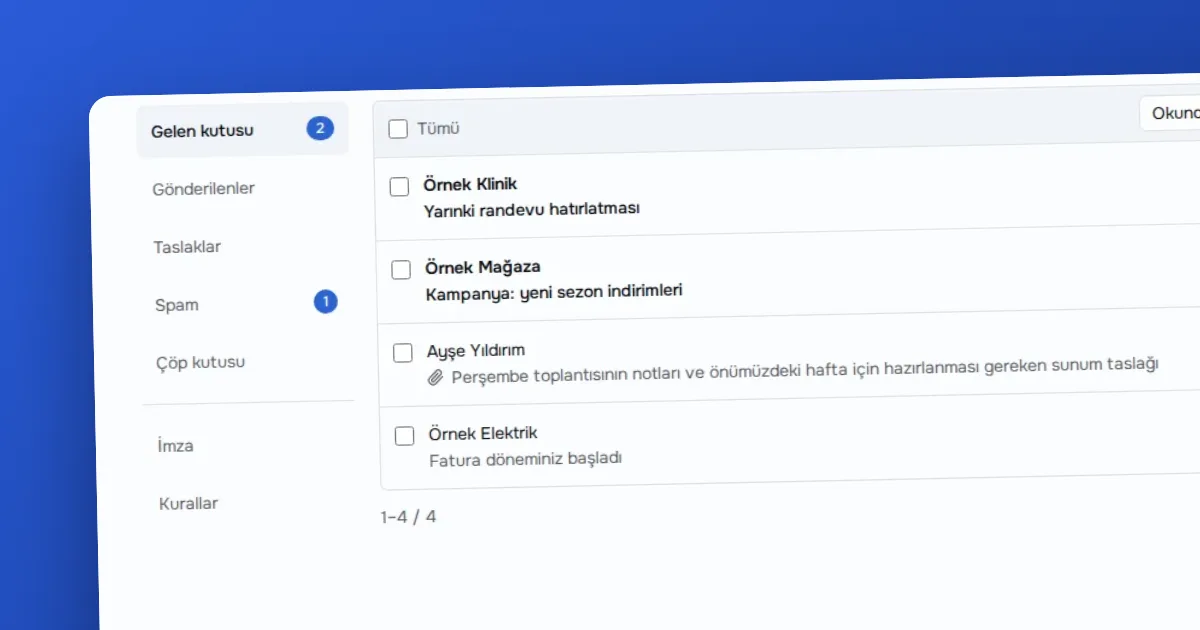
Guide · · 5 dk okuma
Explains what question each of the SPF, DKIM and DMARC records answers when mail runs on a domain, and why they do not back each other up.
Yazıyı oku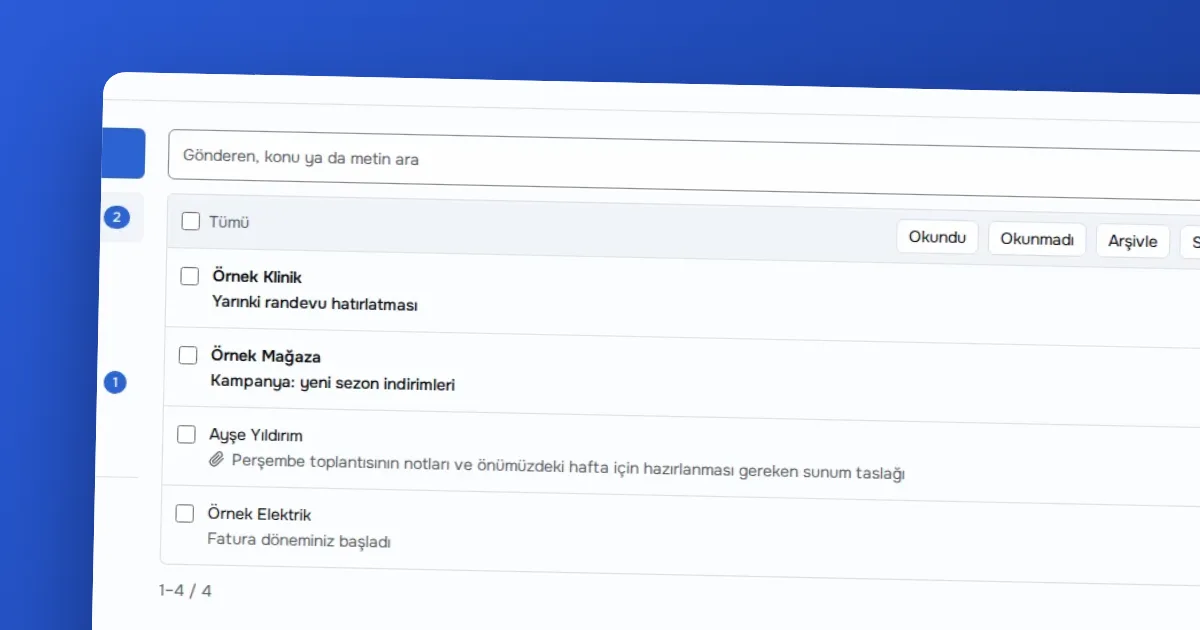
Comparison · · 4 dk okuma
An honest comparison of the free @mailkodo.com address and MAILKODO Business mailboxes on your own domain, covering quota, sending limits, aliases and reputation.
Yazıyı okuMeasurement cookies measure anonymously how pages are used. They are set only if you allow them; you can change your choice from the Cookie preferences link in the footer.
We use measurement cookies to improve the site. Essential cookies are always on. · Privacy policy(opens on OVOKODO)