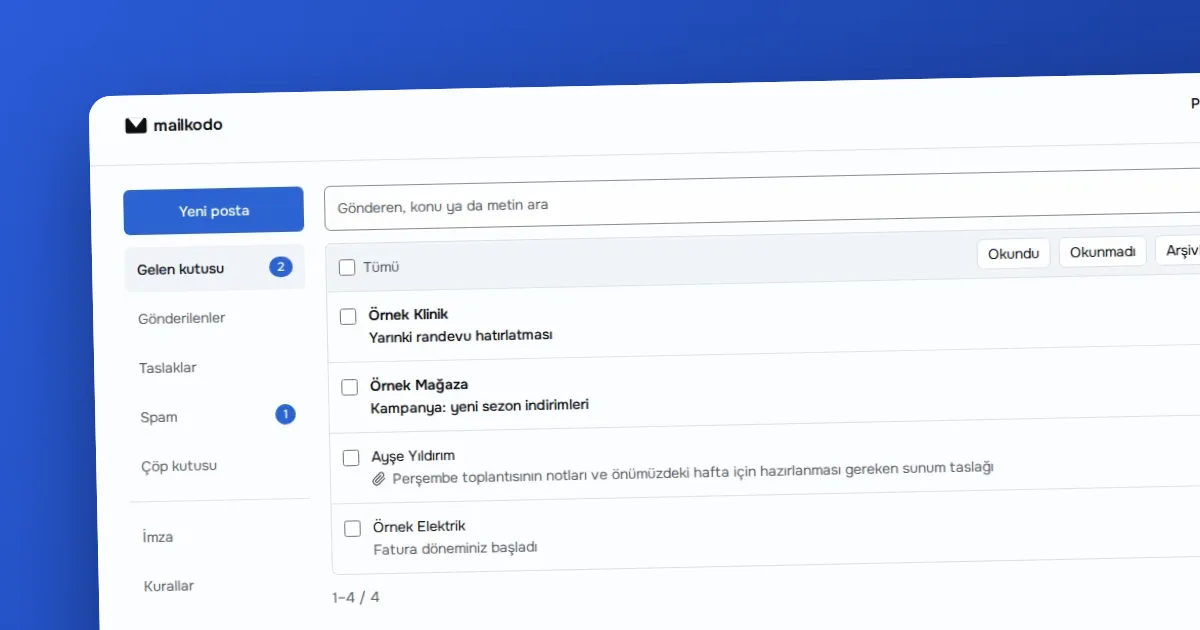
Guide · · 5 dk okuma
How to set up business email on your own domain
With MAILKODO Business, enter the domain verification, MX, SPF, DKIM and DMARC records in the right order for [email protected] addresses.
Yazıyı oku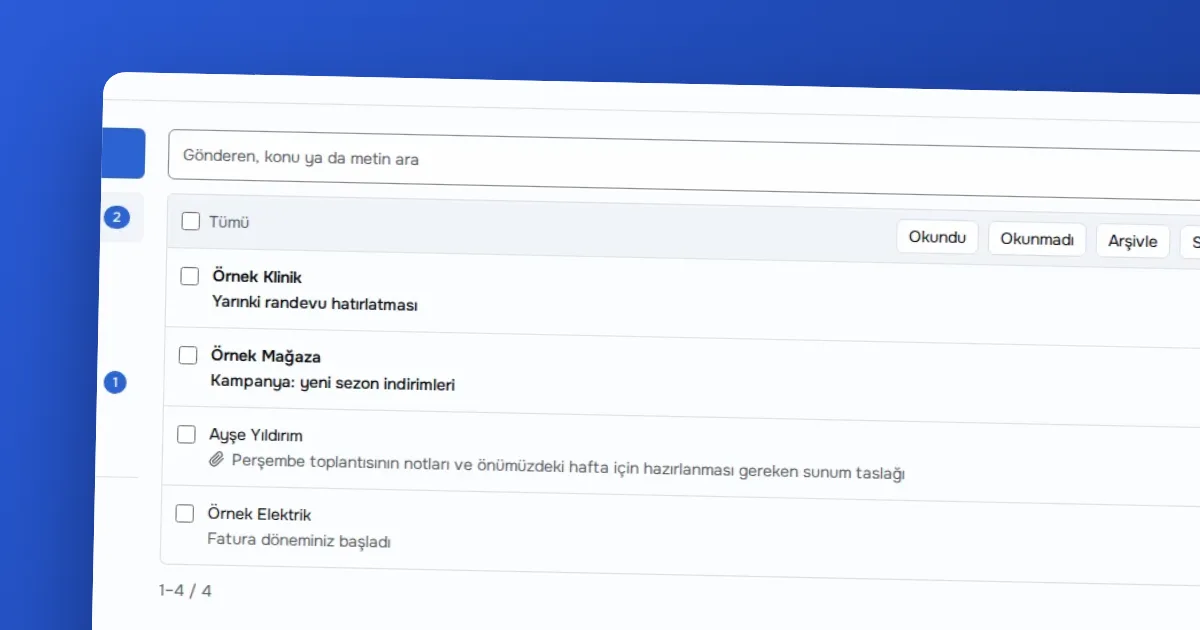
Yazar OVOKODO Ekibi · · 4 dk okuma
In short: The shared @mailkodo.com address is enough for personal use and a quick second address; it offers a 1 GB quota and 200 messages a day. If your company should appear under its own name ([email protected]), if you need several people or aliases, or if you want a larger quota, MAILKODO Business is the right choice.
The shared address is a single mailbox issued on MAILKODO's own domain. Business connects your domain to the mail server; on that domain you open as many mailboxes as you have bought and aliases besides.
| Feature | Shared @mailkodo.com | MAILKODO Business |
|---|---|---|
| Address | [email protected] | [email protected] |
| Mailboxes | 1 per account | As many as purchased |
| Quota | 1 GB | 30 GB per mailbox |
| Daily sending | 200 per mailbox | 1000 per mailbox |
| Aliases | None | 10 per mailbox |
| Domain | MAILKODO's | Yours |
| DNS work | None | MX, SPF, DKIM (and recommended DMARC) |
| Changing the address | Not possible | Delete the mailbox and open a new one |
| Webmail, IMAP, SMTP | Yes | Yes |
| Two-step verification | Yes (TOTP) | Yes (for the account) |
The shared domain has a price too: reputation is shared. Because another user's abuse can affect everyone, sending is limited, and those limits cannot be changed for you.
info@ and sales@ into one mailbox.Your own domain brings work along with freedom. You have to enter the DNS records, and a record mistake means mail lost or sent to spam. If you forget to renew your domain, your addresses stop working too. If you have never done this before, the setup guide goes step by step, and the SPF, DKIM and DMARC article explains what the records do.
To be honest: the product's own mail screen has no calendar, address book or auto-reply. Conversation view is only grouping within a page; there is no grouping across pages. On the shared address, changing the address or getting a second one is not possible. If you need these, another service may suit you better; MAILKODO aims to be a plain service that reads mail without storing it and states its limits openly.
A short decision path:
The shared address is free; it is the lowest-risk way to try. Business is a paid plan and the number of mailboxes grows and shrinks with the quantity you buy: if you raise the quantity you can open new mailboxes at once, if you lower it the change takes effect at the end of the period. For current prices see the product's pricing page; this article gives no figure, because prices can change and a wrong figure would mislead.
There is also a time cost: the shared address is ready in a minute, while your own domain can take a few hours because of DNS propagation. If you need an address urgently, take the shared one first and move to Business at your own pace.
Ready? Take a look at MAILKODO.
Guide · · 5 dk okuma
With MAILKODO Business, enter the domain verification, MX, SPF, DKIM and DMARC records in the right order for [email protected] addresses.
Yazıyı oku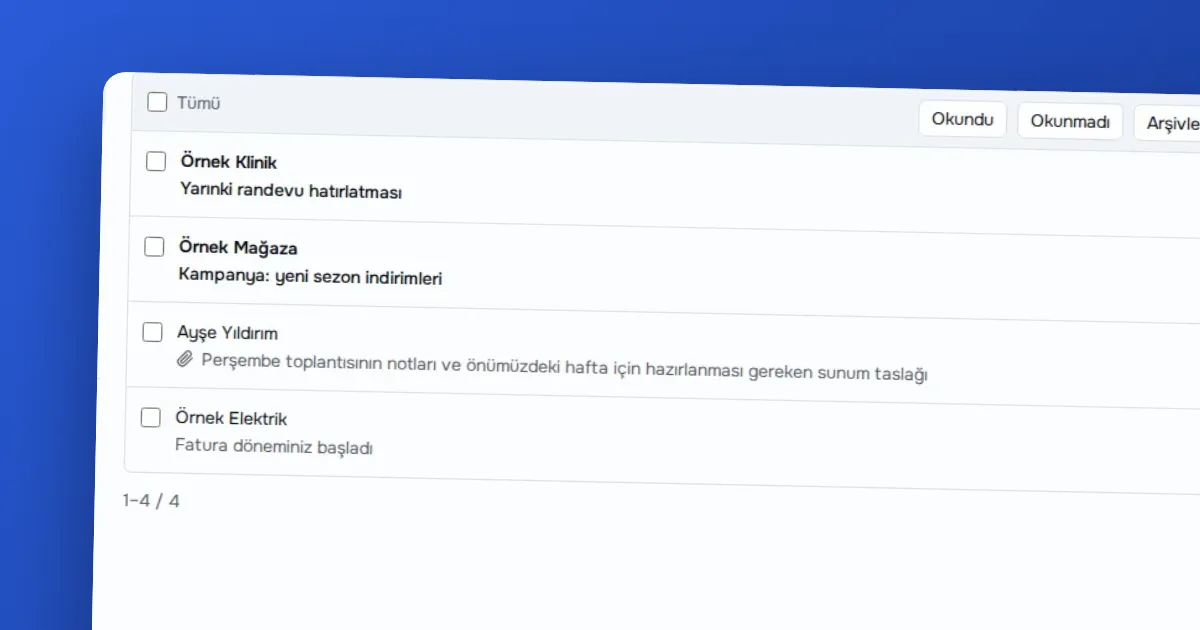
Use case · · 4 dk okuma
Shows how a hypothetical three-person team sets up mailboxes, aliases and phones on its own domain with MAILKODO Business step by step.
Yazıyı oku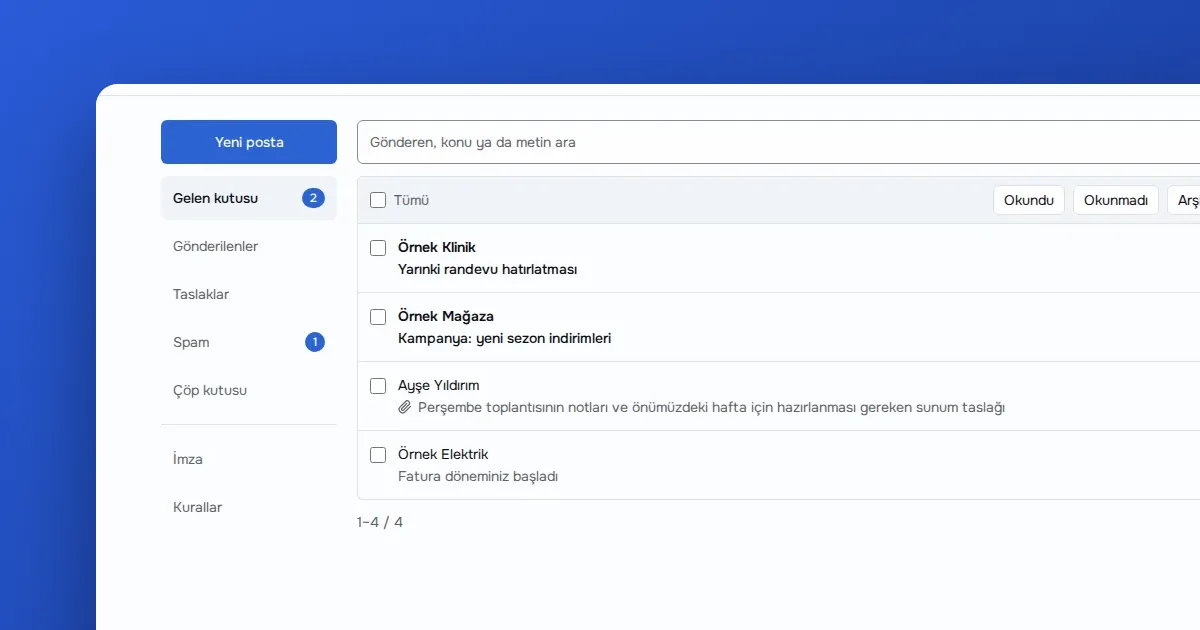
Guide · · 5 dk okuma
Step by step: choose an address on MAILKODO, open the mailbox and add it to a mail app over IMAP and SMTP.
Yazıyı okuMeasurement cookies measure anonymously how pages are used. They are set only if you allow them; you can change your choice from the Cookie preferences link in the footer.
We use measurement cookies to improve the site. Essential cookies are always on. · Privacy policy(opens on OVOKODO)